Planning TV HDMI connections before wall mounting can save a frustrating round of unplugging, moving furniture and trying to reach sockets behind a large screen. A television may look tidy on the wall, but the installation needs to work with the equipment you actually use: streaming boxes, games consoles, soundbars and any other connected devices.
The key is to make a simple connection plan before the bracket goes up. That means checking available ports, deciding where equipment will sit and leaving sensible access for changes later.
Count the devices that need HDMI connections
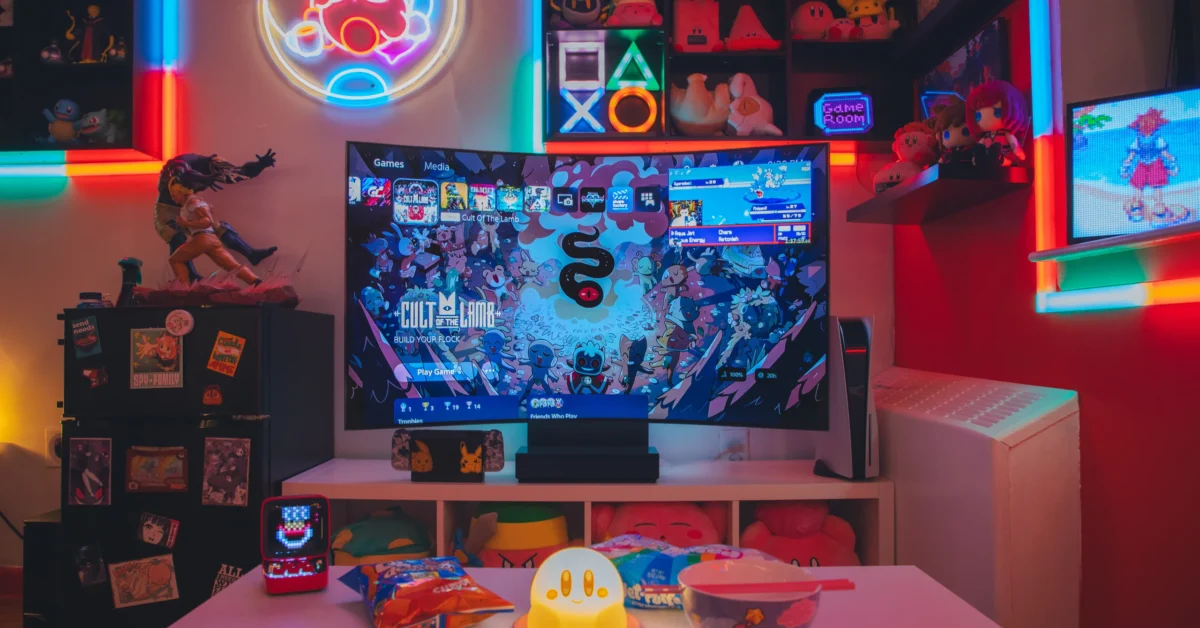
Write down every device that needs a direct HDMI input. Common examples include a games console, a streaming box, a Blu-ray player and a laptop used for occasional presentations or family photos. Some households also use a set-top box alongside the TV’s built-in apps.
Then check the television’s actual HDMI input count and location. Do not assume every socket offers identical features: one may be labelled ARC or eARC, while others may support particular video modes. Your TV manual is the best place to confirm what each port can do.
- List all HDMI devices you use now.
- Allow for one future device if possible.
- Identify the ARC/eARC socket before assigning inputs.
- Check whether the TV’s ports face sideways, downwards or backwards.
Decide where the equipment will live
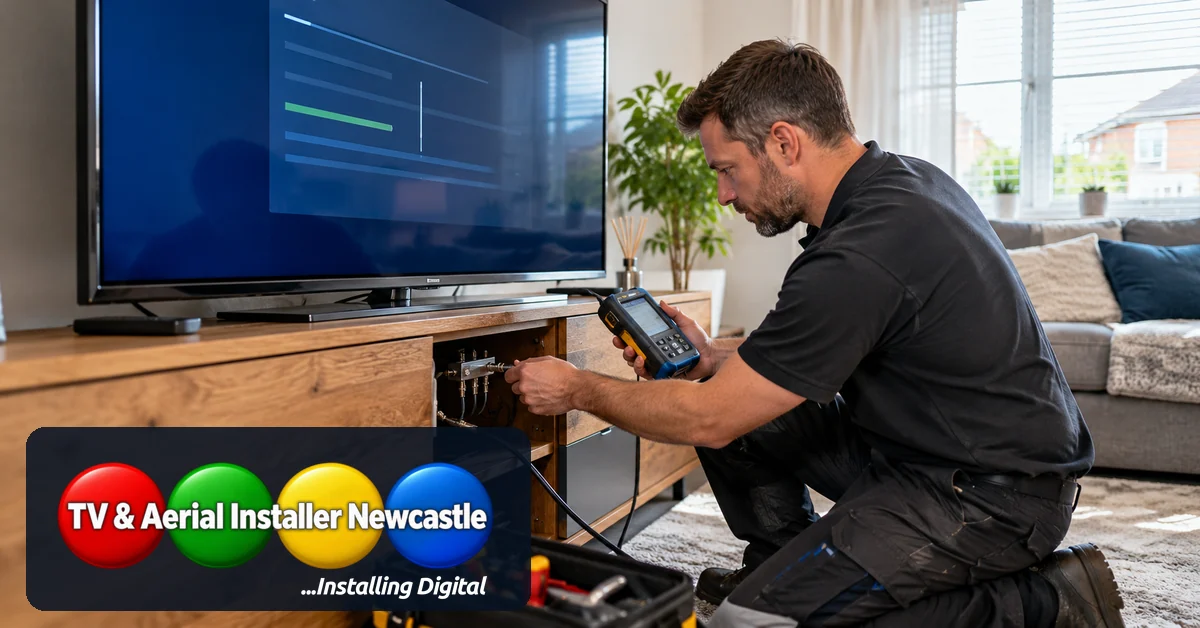
A wall-mounted screen does not mean every device must be mounted behind it. A low cabinet can keep consoles and boxes accessible, with cables routed discreetly towards the TV. This also makes it easier to change a connection or replace a device without removing the television from its bracket.
Devices need appropriate ventilation and a practical place for their power supplies. A cramped enclosure may look tidy but can make maintenance difficult. Think about controller pairing, remote-control operation and whether a device has to be reached to insert a disc or connect an accessory.
For a wider look at screen position, bracket choice and routes for concealed cables, see our TV wall mounting and hidden cable planning guide.
Check HDMI cable routes and lengths before fitting the bracket
Measure the route the cable will actually follow, not just the straight-line distance from cabinet to screen. Allow enough slack for the bracket’s movement and for connectors to sit without being sharply bent. A full-motion bracket usually needs more freedom of movement than a fixed bracket.
Choose cables that suit the signal requirements of your devices and display. For example, a higher-bandwidth video mode may need an appropriately certified cable. Cable quality is not a reason to buy the most expensive option; the important point is using a suitable, correctly specified cable and avoiding damage during installation.
Keep mains power arrangements separate from signal-cable decisions. Concealing mains wiring or adding sockets can involve electrical work that should be assessed and completed by a suitably competent professional. Do not run ordinary power leads inside a wall simply to hide them.
Reserve the right HDMI port for your soundbar
If your soundbar uses HDMI ARC or eARC, check the labelled connection on both the television and the soundbar before connecting other devices. ARC/eARC can carry television audio back to compatible sound equipment through the HDMI connection, but supported audio formats and settings depend on the specific models.
Our HDMI ARC versus eARC guide explains the practical differences. You can also read our soundbar placement advice if you are planning the screen and audio equipment together.
Think about access, Wi-Fi and future changes
After installation, you should still be able to identify the input used by each device, reach the necessary sockets and restart equipment when troubleshooting. Label cables at the cabinet end, and keep a quick note of the input assignments. This small step saves time when you add a new console or change a streaming box.
Streaming performance also depends on the network connection, not just HDMI. If a streaming device sits in a cabinet or the TV is some distance from the router, consider network coverage and whether Ethernet is practical. Our smart TV Wi-Fi troubleshooting guide covers the checks worth making before moving a router.
Test everything before the final tidy-up
Before fastening cable covers or closing a cabinet, switch between every connected input. Confirm that picture and sound work, that the soundbar behaves as expected, and that any bracket movement does not pull against cables.
- Test every HDMI input and connected device.
- Check soundbar output and volume control.
- Check the picture mode used by consoles or other high-bandwidth sources.
- Move an adjustable bracket gently to check cable slack.
- Leave cables labelled and accessible for later changes.
Get help planning a neat TV installation
A successful wall-mounted TV setup balances appearance with access and reliable connections. TV and Aerial Installer Newcastle can help with TV installation, wall mounting and practical audiovisual setup across its service area. If you are planning a new screen, explain which devices you want to connect and where you would like them positioned before installation begins.
Contact TV and Aerial Installer Newcastle to discuss your room, TV position and the connection plan that will work for your household.