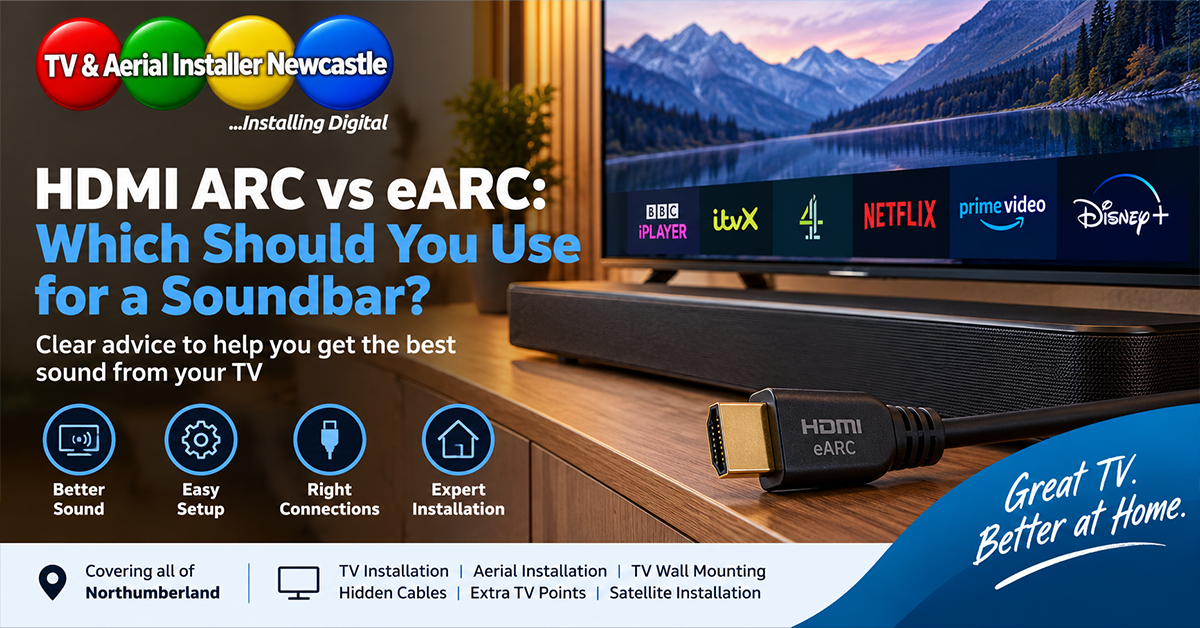
If you are connecting a soundbar to a modern television, you have probably seen HDMI ports labelled ARC or eARC. Both are designed to send audio from your TV back to a soundbar or AV receiver through an HDMI cable, but they are not identical. Understanding the difference can help you choose the right socket, avoid unnecessary cables and get the best sound your equipment supports.
TV and Aerial Installer Newcastle helps homeowners across Newcastle and Northumberland with TV installation, wall mounting, hidden cables and complete television setup. With 23 years of audiovisual experience, owner Mick Stocker knows that a tidy installation is only half the job: the TV, soundbar and connected devices also need to be configured correctly.
What is HDMI ARC?
ARC stands for Audio Return Channel. It allows a compatible HDMI connection to carry audio from the television back to an ARC-compatible soundbar or AV receiver. That means the same HDMI link used between the two devices can handle the return audio instead of requiring a separate optical cable.
ARC is especially useful when you watch programmes through built-in smart TV apps or devices connected directly to the television. The TV can pass supported audio back through its ARC-labelled HDMI port to the sound system.
What is HDMI eARC?
eARC stands for Enhanced Audio Return Channel. It is the newer version of the technology and is part of the HDMI 2.1 specification. The HDMI Licensing Administrator explains that eARC increases audio bandwidth and supports advanced audio formats while also improving device discovery and audio/video synchronisation features.
You can read the technical overview on the official HDMI eARC information page.
ARC vs eARC: what is the practical difference?
For everyday TV viewing, both ARC and eARC can provide a convenient single-cable connection between a television and soundbar. The main advantage of eARC is its greater audio capability.
eARC can support higher-bandwidth formats that ordinary ARC cannot carry in full. This matters most when your television, source device and sound system all support formats such as lossless multichannel audio. If you use a straightforward stereo or basic soundbar setup, the audible benefit may be smaller.
Do you need eARC for Dolby Atmos?
Not always. Dolby Atmos can be delivered in different ways. Streaming services commonly use compressed Dolby Digital Plus-based Atmos, which compatible ARC equipment may support. Higher-bandwidth lossless Atmos carried with Dolby TrueHD generally requires eARC when it is being passed from the TV to the audio system.
Dolby provides further background in its Dolby Atmos guide.
The important point is to check the specifications of your exact television and soundbar rather than assuming an Atmos logo automatically means every connection method supports every Atmos format.
Which HDMI socket should you use?
Look at the labels beside the HDMI ports on the television. One port will normally be marked ARC or eARC/ARC. Connect the soundbar’s compatible HDMI output to that specific TV socket.
If the television has eARC but the soundbar only supports ARC, the connection can generally operate using ARC functionality. The features you actually receive depend on the capabilities and settings of both devices.
Do you need a special HDMI cable?
Do not assume that buying the most expensive HDMI cable will solve an audio problem. The cable needs to support the features required by your equipment and installation. For eARC, HDMI recommends using a cable with Ethernet support, such as an Ultra High Speed HDMI Cable or a suitable High Speed HDMI Cable with Ethernet.
Cable length and routing also matter. If a television is being wall mounted and the cable will be concealed, it makes sense to plan the required connections before the TV is fixed in place. Replacing an inaccessible cable later is much more disruptive than fitting the right cable during the installation.
Why is there no sound from the soundbar?
If everything is connected but there is no sound, start with the TV’s audio settings. Depending on the manufacturer, you may need to select HDMI ARC/eARC, external speakers or receiver as the audio output. eARC may also have its own Auto or On setting.
HDMI-CEC often needs to be enabled as well. Manufacturers use different brand names for CEC, so the setting may not literally say “CEC” in the menu.
Then check the soundbar is on the correct HDMI input. If sound works but a particular format does not, review the TV’s digital audio output or passthrough setting and confirm that every device in the chain supports the format you are trying to use.
Should you use HDMI ARC or optical?
Optical audio remains useful for some equipment, but HDMI ARC/eARC normally gives a modern TV and soundbar a more integrated setup. HDMI can support features such as CEC control, allowing compatible devices to coordinate power and volume commands, and eARC provides considerably more audio bandwidth than optical.
Optical can still be a sensible fallback when older equipment has compatibility problems or lacks ARC. The right connection depends on the equipment rather than one method being universally best.
Plan soundbar cables before wall mounting a TV
If you are planning a TV wall mounting and hidden cable installation, decide where the soundbar will sit before the work begins. The HDMI route, power sockets, soundbar position and access to the TV’s eARC/ARC port can then be considered as part of the installation.
This is particularly useful in a new home where you want the finished wall to stay clean and uncluttered. TV and Aerial Installer Newcastle also provides installation support for residents moving into The Fairways, Hartford Edge and other developments across the region.
From our experience at TV and Aerial Installer Newcastle
With 23 years of audiovisual experience, Mick’s approach is to plan the complete TV setup rather than treating the screen, soundbar and cabling as separate jobs. Checking which HDMI port is required, where the soundbar will sit and which cables need to be concealed before mounting the television can prevent avoidable changes afterwards.
That planning is especially valuable with slim wall-mounted TVs, where access to rear or side-facing HDMI sockets can become restricted once the screen is in position.
Need help with your TV and soundbar setup?
If you want a television wall mounted with the soundbar and cables planned at the same time, TV and Aerial Installer Newcastle covers Newcastle and towns across Northumberland. Services include TV installation, wall mounting, hidden cables and aerial installation.
Use the Get a Quote page or call 07886 732555 to discuss your setup.