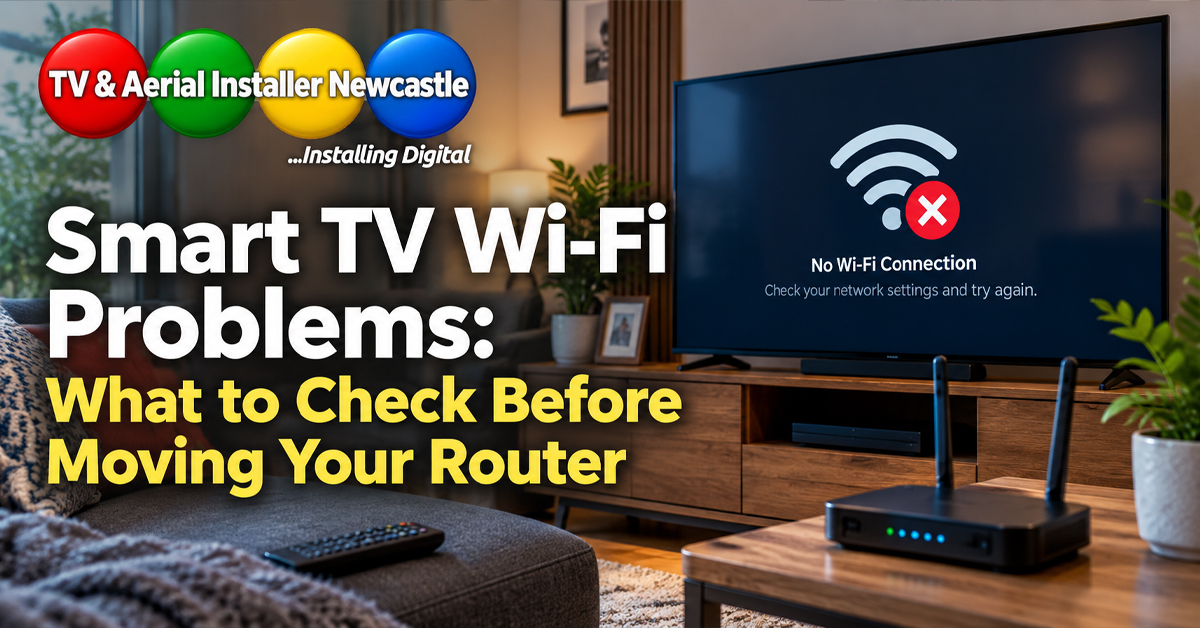
Smart TVs rely on a stable network connection for streaming apps, software updates and many connected features. When Wi-Fi drops out, buffers or feels slow, the television itself is not always the problem. Router position, wall construction, interference and the way the TV is installed can all affect performance.
Start by checking whether the problem is the TV or the network
Before changing settings, test another device in the same room. If a phone or laptop also struggles beside the television, the issue is more likely to be Wi-Fi coverage than the TV.
- Restart the TV and router.
- Check that the TV is connected to the intended Wi-Fi network.
- Run the TV’s built-in network test if available.
- Compare performance on another device in the same location.
- Check whether other streaming services show the same problem.
TV position can affect Wi-Fi performance
A wall-mounted television can sit close to dense building materials, metalwork, foil-backed insulation or other equipment. The router may also be several rooms away. A strong signal elsewhere in the house does not guarantee the same result behind the TV.
If you are planning a new installation, think about connectivity alongside screen height, bracket position and cable routes. Our guide to TV wall mounting with hidden cables explains why the services behind the screen should be considered before drilling begins.
Try both Wi-Fi bands where available
Many modern routers provide 2.4 GHz and 5 GHz Wi-Fi. In general, 2.4 GHz can travel further and penetrate obstacles more effectively, while 5 GHz can offer higher speeds at shorter range. Which works best depends on the property, router and TV.
If your router combines both bands under one network name, band selection may happen automatically. Avoid changing advanced router settings unless you understand the effect on other connected devices.
Consider a wired Ethernet connection
Where the TV and router support Ethernet, a wired connection can remove Wi-Fi variability from the final part of the network path. This can be useful for a fixed wall-mounted setup, particularly when cabling can be planned neatly during installation.
Do not run loose network cables across walkways. If cables need routing through walls or around the room, plan the route alongside power, HDMI and audio connections.
Keep streaming equipment ventilated and accessible
Streaming boxes, network switches and other equipment should not simply be packed into a tight void behind the television. Devices may need ventilation, access for resets and enough space for connectors without sharply bending cables.
Soundbar and HDMI planning can matter too. If your setup includes external audio, see our guide to HDMI ARC and eARC for soundbars.
Check software and app updates
TV manufacturers and streaming services release software updates that can fix bugs and improve compatibility. Check the television’s system update menu and update individual apps where the platform allows it. If one app alone is failing, signing out, restarting the TV and reinstalling that app may help.
When the picture is good but streaming still looks poor
Streaming quality can fall automatically when available bandwidth drops. That can look like a soft picture even when the TV’s display settings are correct. Before changing sharpness, colour or motion settings, check the network connection first. For display setup, our TV picture settings guide covers the main adjustments.
Plan connectivity before wall mounting
The cleanest installations consider power, signal, internet, HDMI, audio and future access together. Moving a router, adding suitable network infrastructure or planning an Ethernet route is easier before the television and furniture are fixed in their final positions.
TV & Aerial Installer Newcastle provides TV installation and wall mounting services across Newcastle and Northumberland. Mick Stocker has 23 years of audiovisual experience and can help plan the screen position, cable management and connected equipment around the room.
From our experience at TV & Aerial Installer Newcastle
TV & Aerial Installer Newcastle is owned by Mick Stocker, who has 23 years of experience in the audiovisual industry. When planning a smart TV installation, we look at more than the screen position alone: power, Wi-Fi coverage, Ethernet options, HDMI and audio cabling all affect how reliable and tidy the finished setup will be.
For wall-mounted TVs in particular, it is worth thinking about connectivity before the bracket and cable routes are fixed. That can make it easier to choose between Wi-Fi and a wired connection and to keep equipment accessible for future resets or upgrades.
Need help with your TV setup?
If you are planning a wall-mounted smart TV, soundbar or connected home entertainment setup, contact TV & Aerial Installer Newcastle to discuss the installation and the cable routes before work begins.