Missing Freeview channels after a retune can be frustrating, especially when the television worked normally the day before. A channel scan is often the first thing people try, but retuning does not repair a weak aerial signal, a damaged cable or a temporary transmitter problem. In fact, scanning while reception is poor can remove previously stored channels.
For households in Newcastle, Cramlington, Killingworth and nearby Northumberland areas, the best approach is to establish whether the problem affects one television, several rooms or the local broadcast service before changing settings. This practical guide explains what to check safely and when professional signal testing is worthwhile.
First, identify exactly which channels are missing
Make a note of the affected channels and whether the television displays “No Signal”, a blank screen, a pixelated picture or a channel-not-found message. These symptoms are not interchangeable. A channel that has disappeared from the guide suggests a tuning or service-list issue, while a channel that remains listed but breaks up may indicate reception problems.
Check whether the missing services are all from one group, whether they disappear at certain times and whether neighbouring households have noticed the same change. Freeview broadcasts several services together in multiplexes, so a reception problem can affect a group of channels rather than just one.
Check for planned transmitter work or local faults
Before changing your equipment, check the official Freeview service information for known engineering work or outages in your postcode area. Temporary transmitter changes, scheduled maintenance and unusual atmospheric conditions can all affect reception. If the issue is external to your property, replacing cables or repeatedly scanning is unlikely to help.
Keep your television tuned as it is while the fault is investigated. Once normal reception has returned, a retune may be appropriate if Freeview’s official guidance recommends it. Be cautious about generic online instructions that suggest resetting every television immediately.
Test another television or aerial outlet
If you have more than one television connected to the same aerial, compare the results. When every television loses the same group of channels, investigate the shared aerial, distribution system or transmitter first. When only one set is affected, look more closely at its aerial lead, wall socket, tuning settings and connected equipment.
A television that works on a different outlet provides a useful clue, although it does not prove the original socket is faulty. Signal levels can vary between outlets because of cable length, splitters and connector condition. Our guide to TV aerial splitters and multi-room signal loss explains how an apparently simple extra connection can affect reception.
Inspect accessible aerial leads and connections
Switch off equipment before disconnecting leads. Check that the coaxial cable is seated properly at the television and wall plate. Look for bent centre conductors, loose plugs, crushed cable, damaged insulation or a lead trapped behind furniture. If you use a set-top box or recorder, confirm that the aerial passes through the intended input and output connections.
Try a known-good short aerial lead if one is available. Avoid dismantling fixed electrical equipment, climbing onto the roof or accessing unsafe loft spaces. A damaged outdoor aerial or cable requires appropriate access equipment and professional assessment.
Understand the difference between signal strength and quality
Many televisions display signal strength and signal quality in a diagnostic menu. Strength indicates how much signal the receiver detects, but quality reflects whether the broadcast can be decoded reliably. A high strength reading with poor quality can still produce missing channels and picture break-up.
These readings are not calibrated consistently across TV brands. They are useful for comparing conditions on the same television, but not as a substitute for an installer’s test equipment. An amplifier is not a universal cure: boosting an overloaded or noisy signal can make reception worse.
Check the aerial system before retuning again
If reception has deteriorated following heavy wind or rain, consider whether the aerial, mounting, external cable or weatherproof connectors may have been affected. Our guide to TV reception problems in wind and rain covers the signs to look for without putting yourself at risk.
Newly fitted splitters, a television moved to another room, an extension lead or building work can also change reception. Note when the problem began and what was altered. An installer can then measure the incoming signal, check for faults and assess whether the aerial distribution setup remains suitable.
When should you retune your television?
Retuning is sensible when a broadcaster or Freeview specifically advises it, when you have moved to a different reception area, or after an aerial system has been repaired and a reliable signal has been confirmed. Follow the television manufacturer’s instructions, because menu names and options differ.
If a retune has already removed channels, avoid repeating it several times while the signal is unstable. Instead, restore reception first. Manual tuning can be useful in some situations, but it should use the correct transmitter information for your address; selecting arbitrary frequencies can produce an incomplete channel list.
Freeview, Freesat and streaming are different systems
Freeview is terrestrial television delivered through a suitable aerial. Freesat uses a satellite dish and compatible receiver. Streaming apps use broadband. A smart TV can support more than one of these services, but troubleshooting one does not automatically fix the others.
If streaming works while Freeview channels are missing, that suggests your internet connection is functioning; it does not establish that the aerial signal is healthy. Similarly, a satellite receiver working normally says little about the terrestrial aerial.
When to arrange professional aerial testing
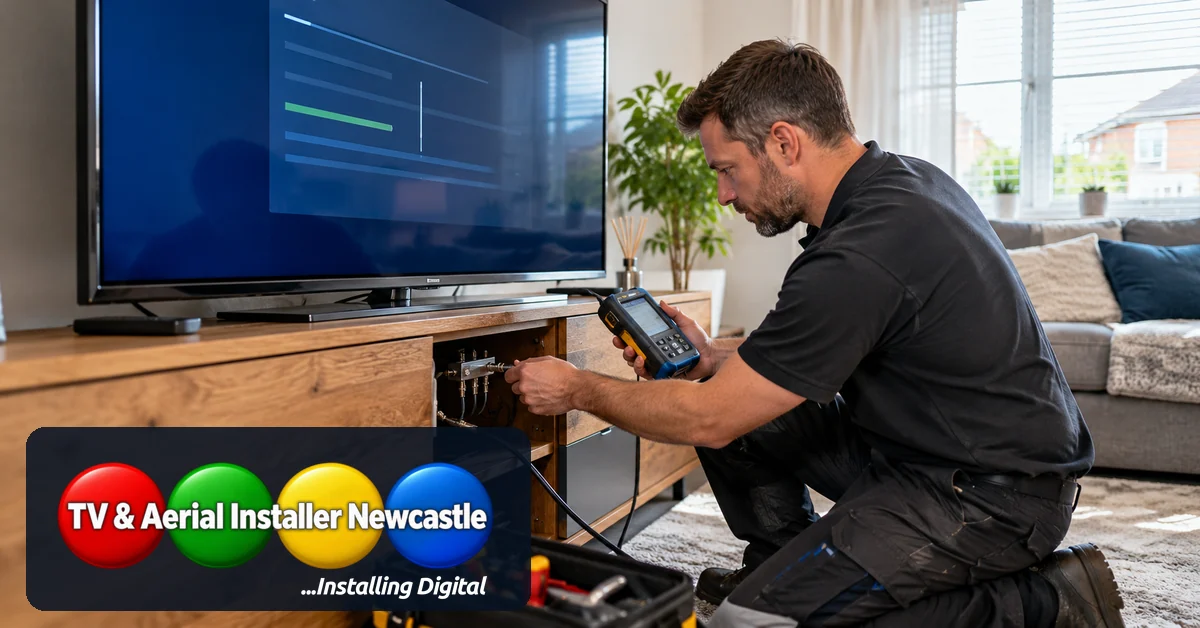
Consider a professional assessment when several televisions lose channels, reception keeps changing, an aerial has moved, external cabling looks damaged or you have already checked accessible leads without success. A qualified installer can test signal quality at the aerial feed and individual outlets, inspect distribution equipment and recommend repairs based on measurements rather than guesswork.
For wider advice, see how to improve TV reception in Newcastle. If you need help identifying the cause of missing Freeview channels, TV & Aerial Installer Newcastle can advise on aerial faults, cabling and reception checks in Newcastle and surrounding areas.