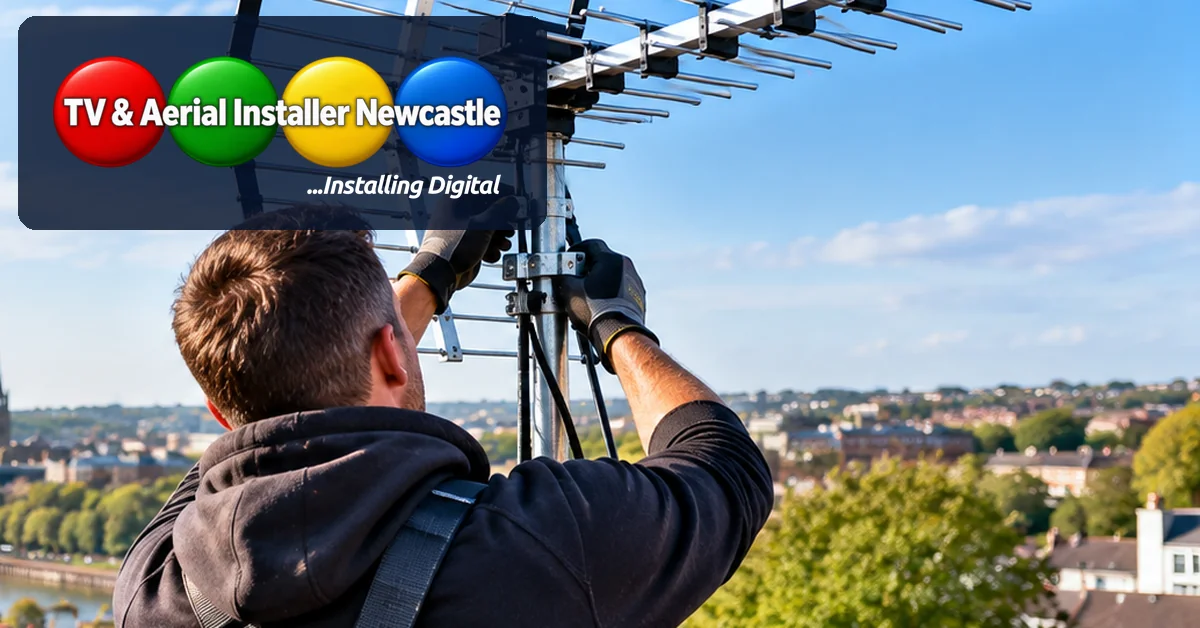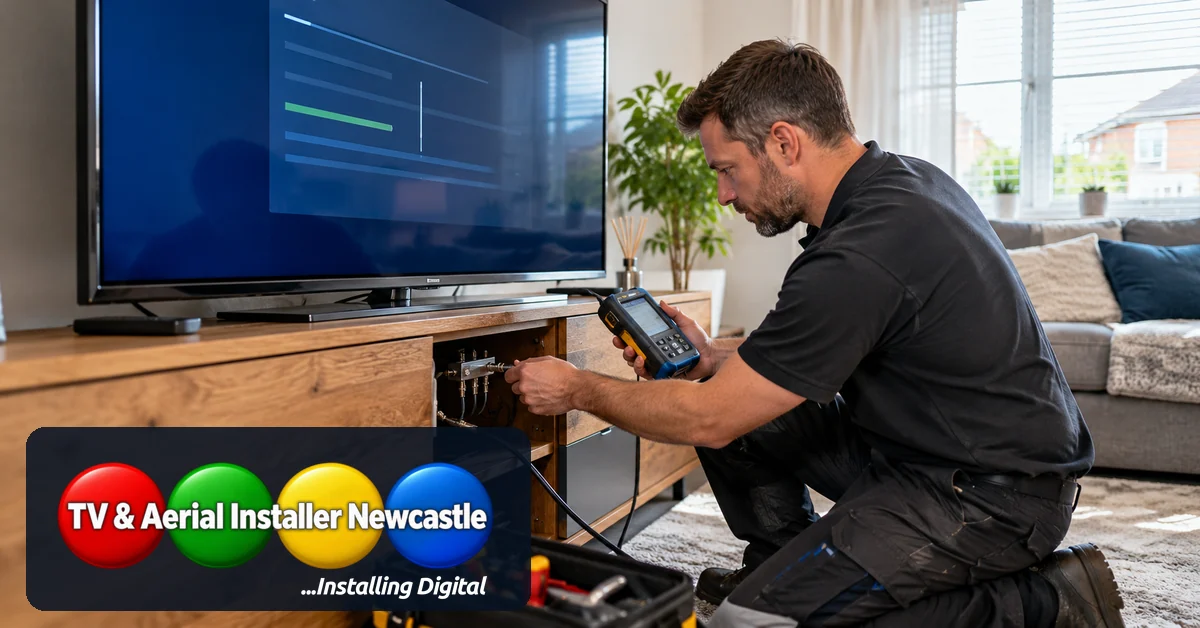

Adding a television to a bedroom, kitchen or home office seems straightforward: connect another aerial cable and tune the channels. Yet a picture that was stable in the lounge can begin to pixelate after the signal is shared. The issue is not necessarily a faulty television. Every additional connection changes how the aerial system distributes the signal.
What does an aerial splitter do?
A passive TV aerial splitter divides one incoming coaxial feed between two or more outputs. It does not create extra signal. Each output receives less signal than the original feed, and the splitter itself introduces some additional loss. The amount depends on the splitter design, frequency range and number of outputs.
In a property with a strong, clean signal, a suitable two-way splitter may work without visible problems. Where reception is already marginal, dividing the feed can expose weaknesses that were previously hidden.
Why does the picture break up in another room?
Digital television does not always become gradually snowy as older analogue broadcasts did. Instead, you may notice blocks in the picture, interrupted sound, missing multiplexes or a ‘no signal’ message. These symptoms can have several causes:
- Too little usable signal reaches the additional socket after splitting.
- A poorly fitted coaxial connector or damaged cable introduces extra loss or interference.
- A long cable run reduces signal further, especially where low-quality cable has been used.
- An old wall plate, unsuitable splitter or unpowered distribution amplifier affects reception.
- The aerial itself is poorly aligned or the incoming signal quality is inconsistent.
Signal strength and signal quality are not the same thing. An amplifier can raise the level of a poor signal without repairing interference or distortion, so adding amplification is not automatically the answer.
Check the simple things first
Start with the television that normally works. Confirm it still receives the expected channels when connected directly to its usual aerial point. If practical, temporarily remove the splitter and test the original feed again. This helps establish whether the problem began with distribution or was present beforehand.
Next, inspect accessible coaxial plugs for loose fittings, bent centre conductors or damaged insulation. Check that each cable is connected to the correct input or output on the splitter. Avoid repeated automatic retuning while the signal is unstable: retuning can remove channels from the list without fixing the underlying fault.
If only one room is affected, the cable route, wall socket or connection to that room deserves attention. If every television has deteriorated, look earlier in the signal path, including the main feed and aerial installation.
When is a distribution amplifier appropriate?
A correctly specified distribution amplifier can help supply several rooms when the incoming signal is suitable but losses from splitting and cabling need to be managed. It needs appropriate power, positioning and output levels. Excessive amplification can overload a receiver, and amplifiers cannot recover channels that are already badly corrupted at the input.
For a multi-room installation, the sensible approach is to measure the incoming signal and work out how many outlets are required before choosing splitters, amplification and cable routes. If you are planning a move, our TV setup after moving house checklist covers other connections worth checking early.
What about new-build properties?
A wall-mounted TV socket in a new-build home does not prove that a working aerial feed has been connected. Some properties have cables or outlets in place but still need an aerial, termination or distribution equipment. Labelled feeds and accessible distribution points make future changes easier.
If you are deciding where televisions will go, consider the complete setup rather than just the number of sockets. Our guide to planning HDMI connections before wall mounting explains how to think about the other devices that may share each room.
When to ask for an aerial inspection
If several rooms lose channels, reception changes with the weather, or you cannot identify where the feed is being divided, a proper signal check is more useful than replacing components at random. Aerial positioning, cable condition, splitter losses and receiver readings can then be considered together.
TV & Aerial Installer Newcastle provides aerial installation and TV setup across Newcastle and Northumberland. Owner Mick Stocker has 23 years of audiovisual experience. For help with a new aerial point or unreliable multi-room reception, request a quote with the number of televisions, affected rooms and symptoms you have noticed. You can also read our guide to improving TV reception in Newcastle for more first checks.