Moving into a new home is a good opportunity to plan your TV setup properly rather than simply putting the television where the previous owner had one. A little planning can improve viewing comfort, keep cables under control and make sure streaming devices, soundbars and broadcast services work as expected.
Start with the room, not the bracket
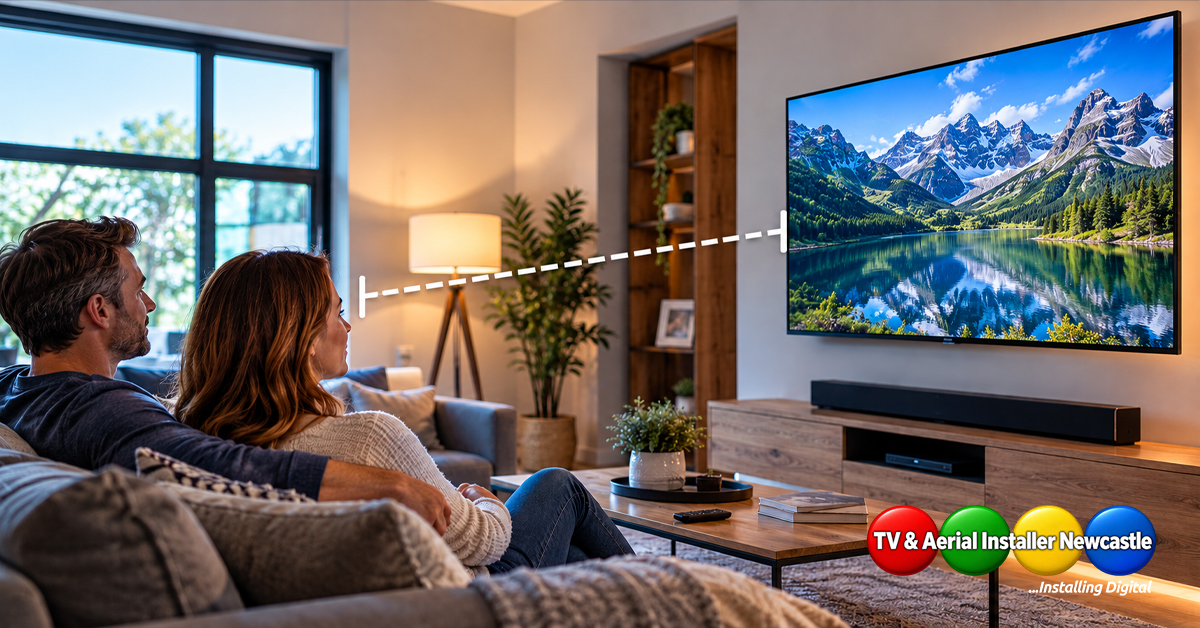
Before drilling a wall, decide where people will normally sit and how the room will be used. The centre of the screen should be comfortable to view from the main seating position, while reflections from windows and strong lighting should also be considered.
If you are unsure about height, our guide to how high to mount a TV explains the main factors to consider.
Check the wall construction
Different walls need different mounting methods. Solid masonry, timber studs, plasterboard and dot-and-dab walls are not interchangeable, particularly when a larger or heavier television is involved.
The fixing method should suit both the wall and the load. Our guide to TV wall mounting on plasterboard, stud walls and dot and dab covers these common wall types in more detail.
Plan power and signal cables before mounting
Think about every connection the television needs before it goes on the wall. That may include mains power, HDMI, Ethernet, aerial or satellite feeds and cables for games consoles or other equipment.
- Decide where set-top boxes and consoles will live.
- Allow suitable cable routes to each device.
- Keep mains and low-voltage cabling planned safely.
- Leave access for future equipment changes.
- Check that plugs and connectors will not be crushed behind the screen.
For a cleaner finish, see our guide to TV wall mounting with hidden cables.
Get the internet connection ready
Smart TVs rely heavily on a stable network connection for streaming services and software updates. Test Wi-Fi where the television will be installed rather than assuming coverage is the same throughout the property. Where practical, a wired Ethernet connection can provide a consistent alternative for compatible equipment.
Set up the soundbar at the same time
If you use a soundbar, include it in the layout before choosing the final TV height. The soundbar should not cover the bottom of the screen or interfere with the television’s sensors.
Check whether your television and soundbar use HDMI ARC or eARC. Our HDMI ARC vs eARC guide explains the difference and the setup checks worth making.
Retune and check broadcast reception
After moving, do not assume the new property has the same aerial, satellite or distribution arrangement as your previous home. Check the available wall outlets and existing equipment before connecting everything.
Once connected, tune the television or receiver and check a representative range of channels. Picture break-up, missing channels or intermittent reception can point to a signal, cabling or connection issue that needs investigation.
Review the picture settings
Factory picture modes are not always ideal for a particular room. Brightness, motion processing and other settings can look very different in a bright lounge compared with a darker bedroom. Start with a sensible preset and make small adjustments rather than pushing every control to its maximum.
Our guide to getting the best picture from your TV provides a useful starting point.
Need help with your new-home TV setup?
TV and Aerial Installer Newcastle provides TV wall mounting, setup and tuning, soundbar installation and aerial and satellite services across Newcastle and listed areas of Northumberland. Mick Stocker brings 23 years of audiovisual experience to home TV installations.
If you have moved home and want the television, cabling and connected equipment set up neatly, get in touch to discuss the room and the installation you need.