A wall-mounted TV looks at its best when the installation feels like part of the room rather than an afterthought. The screen position matters, but so do the less obvious details: where the power comes from, how HDMI cables will reach connected equipment, whether a soundbar is being fitted and how easy the setup will be to upgrade later.
Thinking through those details before the TV goes on the wall can produce a cleaner result and help avoid awkward cable routes or equipment ending up in the wrong place.
Start with the viewing position
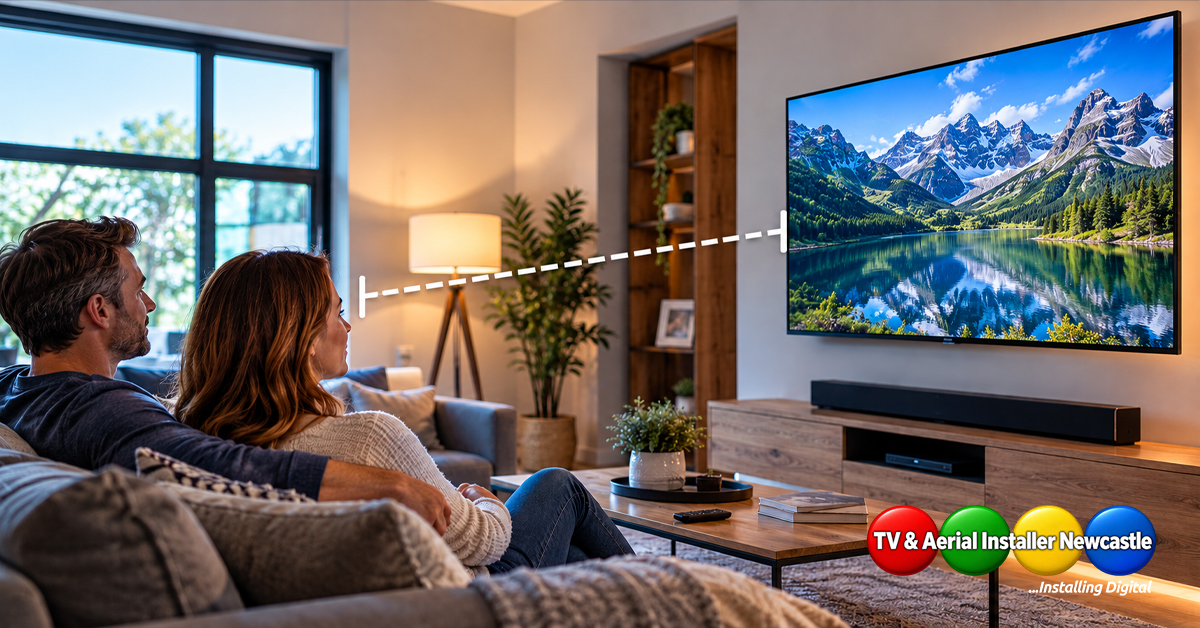
Before deciding where cables should run, decide where the television itself should sit. Consider the main seating position, the size of the screen and how the room is normally used.
A TV mounted too high can be uncomfortable for everyday viewing. The right position depends on the room and furniture, so the aim should be a natural viewing angle rather than simply filling an empty section of wall.
If you are still choosing the height, read our guide to how high to mount a TV on the wall.
Plan power before hiding anything
A neat installation still needs safe, practical access to power. Avoid treating mains electricity as just another cable to tuck away. Any new or altered fixed electrical work should be handled appropriately and comply with the relevant requirements.
Decide where sockets need to be before finalising the bracket position. This is especially important if the television, soundbar, streaming device or other equipment will all need power nearby.
List every connection you actually use
HDMI is usually the first cable people think about, but a modern television setup may involve several connections. Before installation, make a quick list:
- HDMI connections for set-top boxes, games consoles or streaming equipment
- HDMI ARC or eARC for a compatible soundbar or AV system
- Aerial or satellite feeds where required
- Ethernet if you prefer a wired network connection
- USB leads for compatible accessories
- Power for the TV and any nearby equipment
If a soundbar is part of the setup, our HDMI ARC vs eARC guide explains the connection options in more detail.
Think about where the equipment will live
Hidden cables are only half the job. You also need somewhere sensible for the equipment at the other end of them.
A media unit directly below the television makes cable routing straightforward, but it is not the only option. Equipment can sometimes be positioned elsewhere in the room, provided the chosen connections and cable lengths are suitable.
Plan this before choosing cable routes. Moving a console or set-top box later can turn a tidy installation into a collection of extension leads and visible wires.
Allow for future equipment
Today’s setup might be just a TV and soundbar. A year from now you might add a games console, streaming box or different audio equipment.
Where practical, planning spare capacity can make future changes easier. That might mean considering an additional suitable cable route rather than installing only the exact connections needed today.
Choose the cable-hiding method to suit the wall
There is no single best way to conceal television cables because walls and rooms differ. The construction of the wall, the location of sockets and the final position of connected equipment all affect the approach.
In some rooms, discreet surface cable management can give a clean finish without major alteration. In others, a more integrated route may be appropriate. The important part is choosing the method after inspecting the wall rather than assuming every installation can be treated the same way.
Do not forget the soundbar
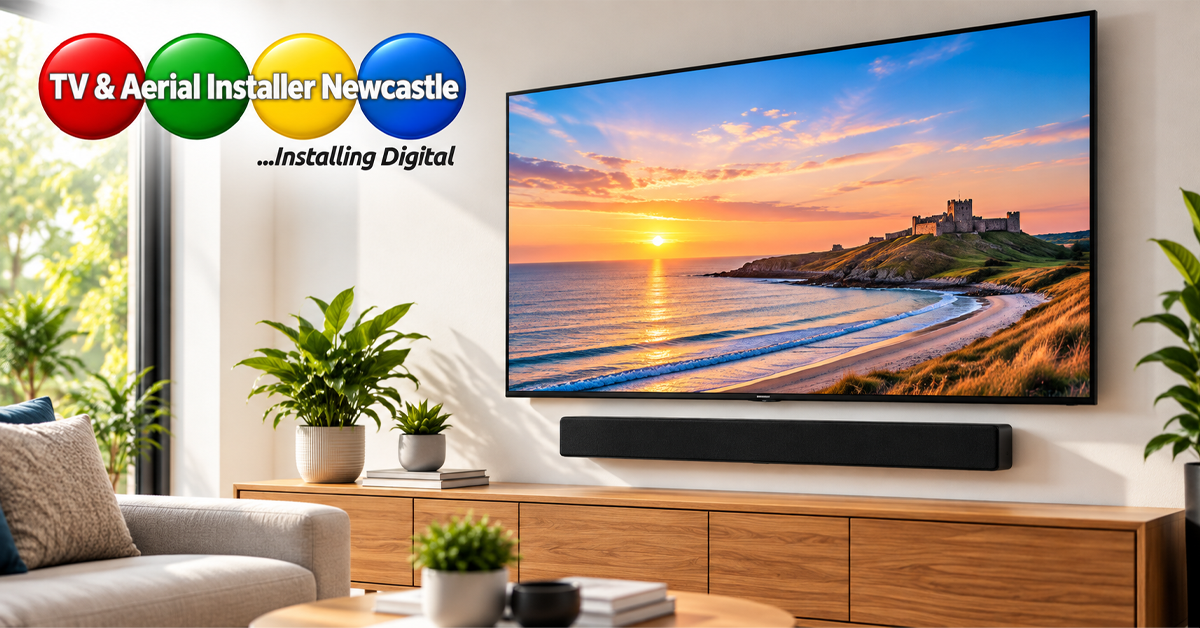
A soundbar can change the layout significantly. Decide whether it will be wall mounted below the television or placed on furniture. Check its power and signal requirements at the same time as the TV.
Planning both together normally produces a more balanced-looking installation and prevents a beautifully mounted screen being followed by a visible cable hanging down to the audio system.
Check the setup before everything is finished
Before cables become difficult to access, confirm that the connected equipment works as expected. Check the television input sources, soundbar connection, aerial or satellite reception where applicable, network connection and remote-control operation.
It is much easier to correct a connection problem while the installation is still accessible.
From our experience at TV and Aerial Installer Newcastle
TV and Aerial Installer Newcastle is owned by Mick Stocker, who has 23 years of audiovisual experience. For TV wall mounting and concealed cabling, the setup is planned around the television position, connected equipment and the cable route needed for a clean, practical finish.
Professional TV installation across Northumberland
TV & Aerial Installer Newcastle provides TV installation and related audiovisual services across Northumberland. Owner Mick Stocker has 23 years of audiovisual experience, helping customers plan practical installations around their room, equipment and viewing requirements.
If you want a wall-mounted television with a cleaner cable setup, get in touch to discuss the room, TV size and equipment you want connected before installation.