A soundbar can make a wall-mounted television setup feel much more complete, but it is worth planning the screen and soundbar together. Position, cable routes, power points and the way the TV controls the soundbar all affect how tidy and practical the finished installation will be.
Plan the TV and soundbar as one installation
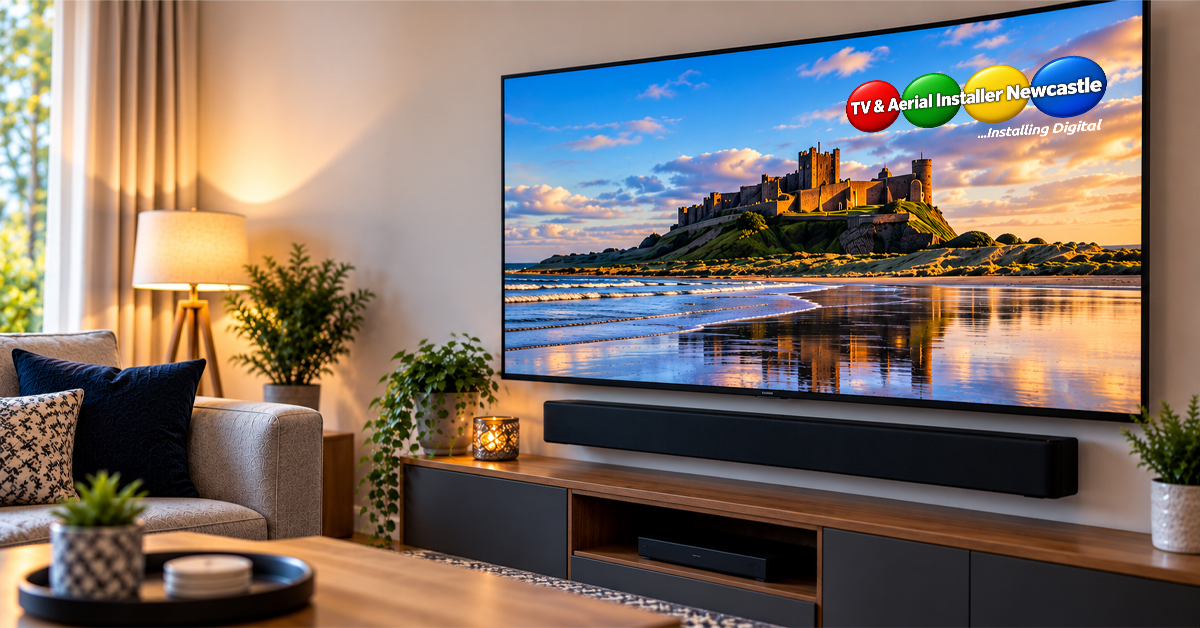
Before drilling the wall, decide where both pieces of equipment will sit. The soundbar is normally positioned close to the television so sound feels connected to the picture, but the exact clearance depends on the TV, bracket and soundbar.
Check the manufacturer’s instructions for both products. Avoid covering the television’s sensors, ventilation or connections, and make sure the soundbar itself has the clearance its manufacturer requires.
Check the viewing height first
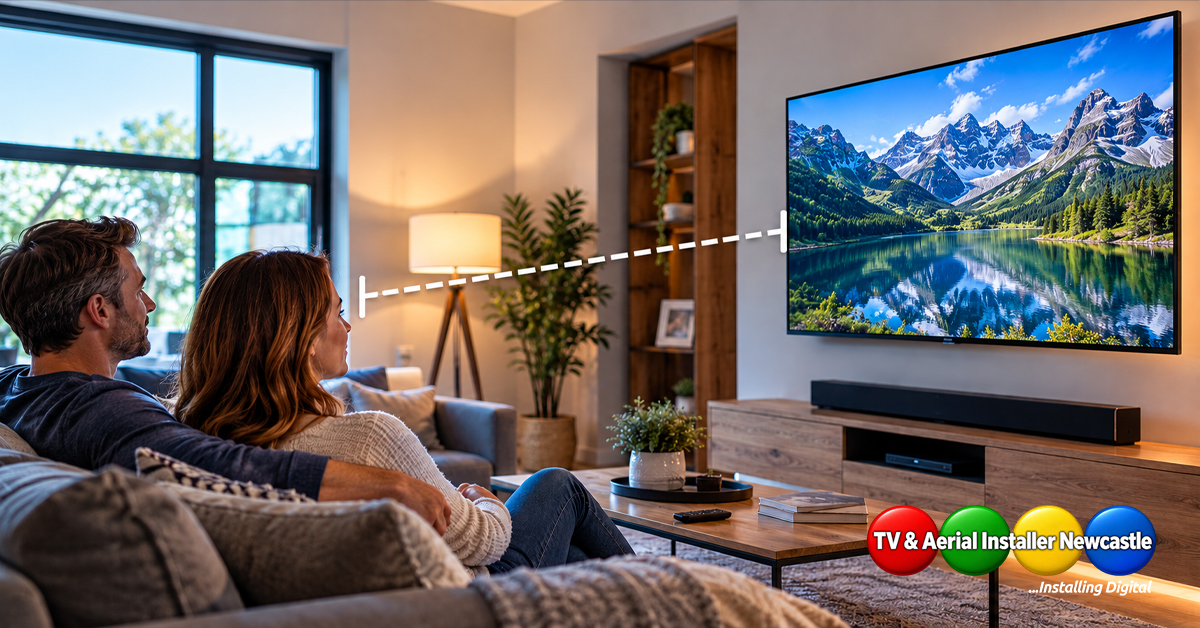
The television should not be pushed higher simply to make room for a soundbar. Work out a comfortable screen position from the main seating area, then plan the soundbar around it.
If you are still deciding where the television should go, professional TV installation and wall mounting can help you assess the wall, viewing position and cable route before holes are drilled.
Think about the bracket and wall construction
A fixed TV bracket keeps the screen close to the wall, while tilting and articulated brackets change the relationship between the screen and soundbar. If the television will move, check that the soundbar position will not obstruct that movement.
The wall construction also matters. The correct fixings and installation method depend on the wall and the load being supported. Do not assume the same fixing method is suitable for every wall.
Plan power and signal cables before mounting
A neat installation needs more than a hidden HDMI lead. Consider the power supply for the television and soundbar, the connection between them and any other equipment such as a set-top box, games console or streaming device.
- Confirm where the TV and soundbar power leads will reach.
- Check which HDMI connection supports the required audio return function on your equipment.
- Allow for any optical or other audio cable if your equipment uses it.
- Keep cable routes accessible enough for future equipment changes.
- Do not run mains power cables in unsuitable concealed routes.
HDMI ARC and eARC can simplify control
Many modern televisions and soundbars can pass audio through an HDMI connection using ARC or eARC when both devices support the relevant feature. This can also simplify everyday control, but compatibility and settings vary by model.
Check the labelled HDMI ports and the manuals for your equipment rather than assuming every HDMI socket provides the same functions. Once connected, the TV’s audio output and HDMI control settings may also need configuring.
Do not block upward-firing or side-firing speakers
Some soundbars use speakers that direct sound upwards or sideways. Shelves, deep recesses and very tight gaps can interfere with the way these systems are intended to operate.
Follow the soundbar manufacturer’s placement guidance, especially for models designed to work with reflected sound. A tidy-looking position is not useful if it compromises the equipment’s intended setup.
Test everything before hiding the cables
Power up the full system before completing cosmetic cable work. Check television audio, apps, external devices, volume control and any set-top box you use regularly. It is much easier to correct a connection while everything is still accessible.
TV and soundbar installation in Newcastle and Northumberland
Mick Stocker has 23 years of audiovisual experience and provides TV installation services across Newcastle and Northumberland, including wall mounting, setup and related AV work. If you want the television, soundbar and cabling planned as one clean installation, get in touch to discuss your setup.